CORS?
CORS 는, Cross-Origin Resource Sharing, 즉 웹 브라우저에서 서로 다른 Origin 간의 Resource 요청을 제어하는 브라우저 보안 정책이다.
여기서 Origin 은 protocol, domain(host), port 의 조합을 의미한다. 예를 들어, http://localhost:3000 과 http://localhost:8080 은 포트가 다르기 때문에 서로 다른 Origin 인 것이다.
Why using CORS?
웹 브라우저는 SOP(Same-Origin Policy) 를 적용한다. 이 정책은 어떤 Origin 에서 호출한 Script 나 다른 Origin 에서 가져온 Resource 등과의 상호작용을 제한하는 것이다.
만약 Spring Boot 에서 Thymeleaf 로 Front-End 를 구현한다고 가정하자. 이 상황에서는 Origin 이 동일하기 때문에 브라우저에서 SOP Error 가 발생하지 않는다.
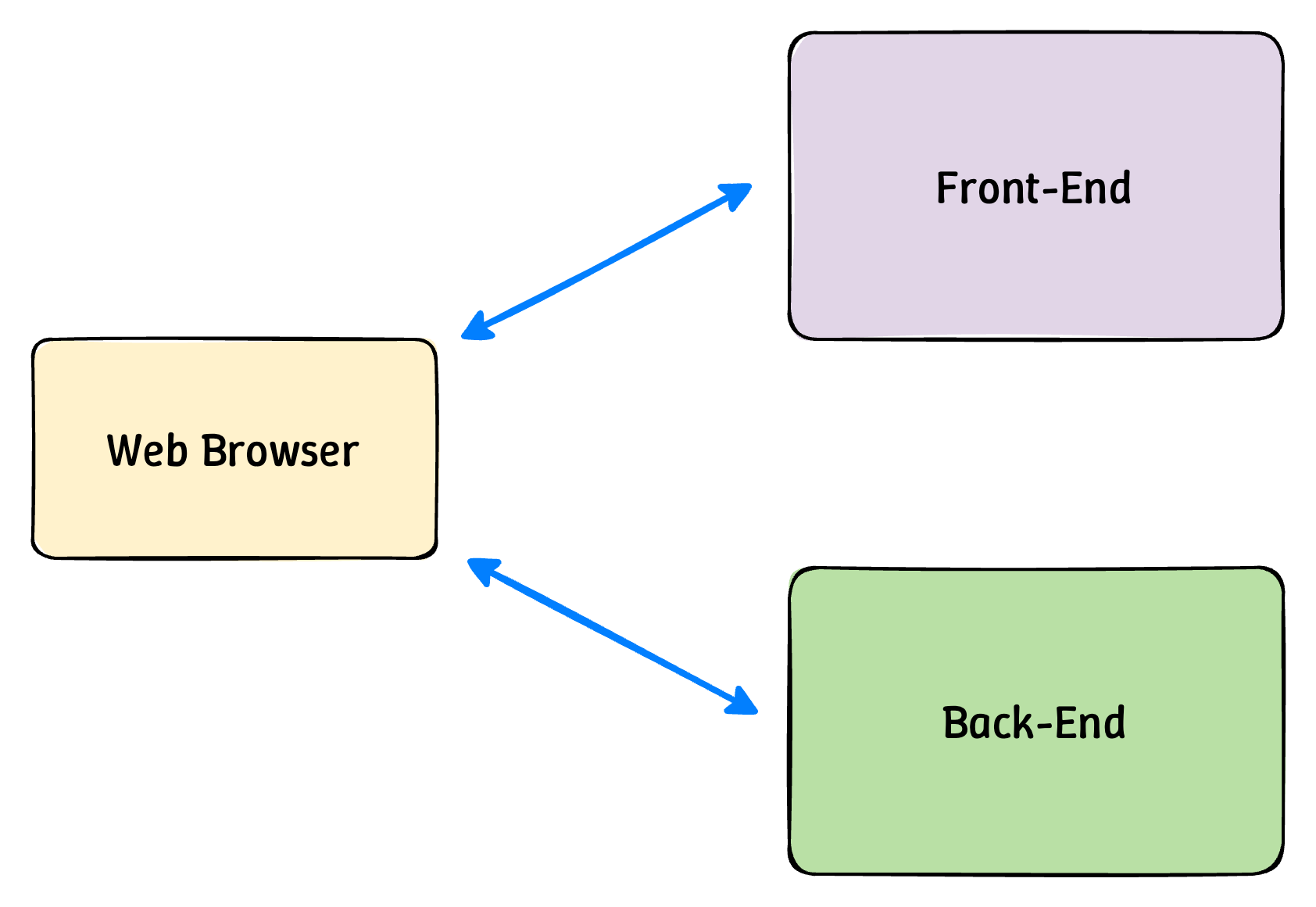
그럼 위와 같이 Front-End 와 Back-End 를 각각 다른 서버에서 개발한다고 가정해보자. Spring Boot 와 React 를 사용하여 각각 개발한다고 했을 때, 웹 브라우저의 콘솔 로그에서 CORS Error 를 쉽게 마주할 수 있다. 이는 브라우저가 Back-End API 요청을 막는 현상인데, 이때 CORS 에 대한 설정이 필요하다.
How CORS works?
CORS 가 동작하는 방식은 다음과 같다.
- Front-End 에서 Back-End 로 요청을 보낼 때, 브라우저는 request header 에 Origin 정보를 추가
- Back-End 는 response 에
Access-Control-Allow-Originheader 를 추가하여, 어떤 Origin 의 request 를 허용할지 명시- 브라우저는 자신의 Origin 과, 서버가 허용한 Origin 을 비교하여 조건이 맞으면 response data 를 허용, 그렇지 않다면 CORS Error 를 발생시킴
CORS Configuration
CORS 를 Spring Boot Application 에 적용시키기 위하여는 CORS 에 대한 설정이 필요하다.
Spring Security 를 사용한다면, 우선 SecurityConfig class 의 SecurityFilterChain 안에 CORS 관련 설정을 해주어야 한다.
@Bean
public SecurityFilterChain filterChain(HttpSecurity http, AuthenticationManager authenticationManager) throws Exception {
    http
            .cors((cors) -> cors
                    .configurationSource(new CorsConfigurationSource() {
                        @Override
                        public CorsConfiguration getCorsConfiguration(HttpServletRequest request) {
                            CorsConfiguration configuration = new CorsConfiguration();

                            configuration.setAllowedOrigins(Collections.singletonList("http://localhost:3000"));
                            configuration.setAllowedMethods(Collections.singletonList("*"));
                            configuration.setAllowCredentials(true);
                            configuration.setAllowedHeaders(Collections.singletonList("*"));
                            configuration.setMaxAge(3600L);

                            return configuration;
                        }
                    }))

    ...
}
SecurityConfig 에 대한 설정은 보통 로그인 등의 인가 및 인증 작업에서 수행되므로 나머지 Controller 에도 CORS 를 설정해주어야 한다. 이는 CorsMvcConfig 를 통하여 설정해줄 수 있다.
@Override
public void addCorsMappings(CorsRegistry corsRegistry) {
    corsRegistry.addMapping("/**")
            .allowedOrigins("http://localhost:3000");
}